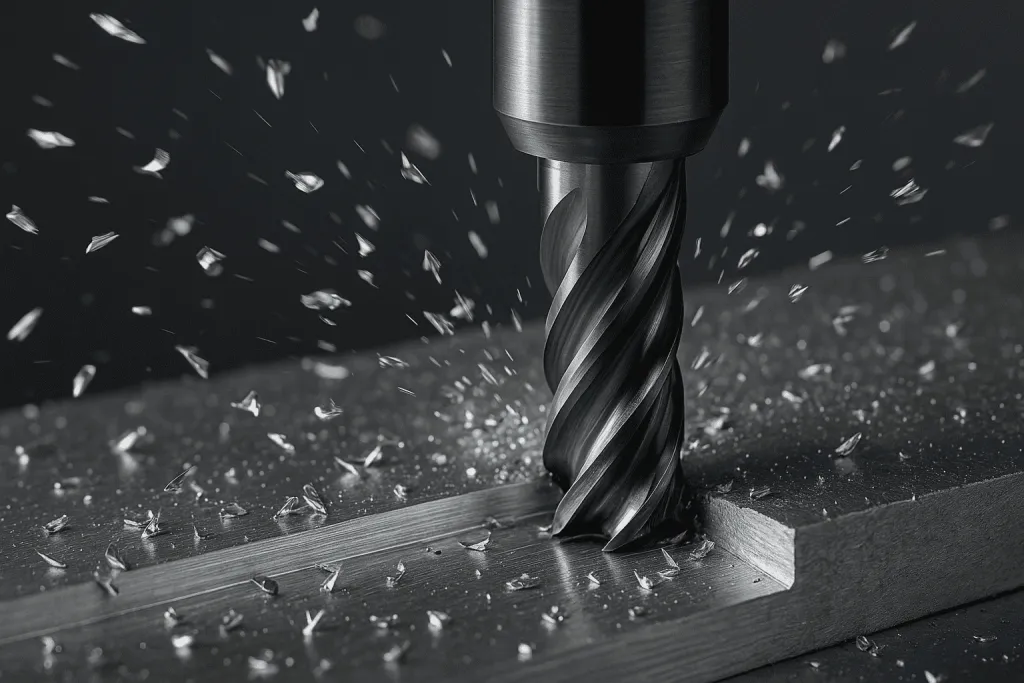
CNC machining is one of the most versatile ways to create prototypes and low-volume parts. But for many startups, the first machining project comes with sticker shock. A design that looks simple in CAD can turn into a budget-killer on the shop floor.
To save time and money, here are the five machining design mistakes that kill your budget—and how to avoid them.
1. Overly Tight Tolerances
- The mistake: Early-stage founders often specify tolerances tighter than ±0.005” on every feature, even when the part doesn’t require it. Machining shops respond by quoting higher prices because holding these tolerances takes extra time, specialized tools, and skilled operators.
- Why it matters: Tight tolerances drive up machining costs exponentially and may require secondary processes.
How to fix it:
- Only use tight tolerances where functionally necessary (e.g., sliding fits, press fits, mating parts).
- Default to standard tolerances for non-critical features.
- Ask your machinist or prototyping partner which dimensions truly need precision.
2. Unnecessary Complex Geometry
- The mistake: Adding deep pockets, undercuts, or intricate internal channels that require multiple setups or special tooling.
- Why it matters: Each added setup increases labor hours. Complex shapes may require 5-axis CNC instead of 3-axis, inflating costs.
How to fix it:
- Simplify geometry in the prototype stage. Focus on function over form until you validate the concept.
- Break a complex part into multiple simpler parts for machining, then assemble.
- Save intricate features for later versions once you confirm demand.
3. Poor Material Selection
- The mistake: Choosing exotic metals (like titanium or Inconel) for a prototype that could easily be tested in aluminum.
- Why it matters: Hard-to-machine materials increase tool wear, machining time, and per-part cost.
How to fix it:
- Start with affordable materials (6061 aluminum, mild steel, ABS, Delrin) during prototyping.
- Reserve exotic alloys for final production if they are truly necessary.
- Match material selection to the stage of development—don’t overspend before market validation.
4. Ignoring Standard Tool Sizes
- The mistake: Designing holes, slots, or radii with custom dimensions that don’t match standard tooling sizes.
- Why it matters: Non-standard features require custom cutters or extensive tool changes, driving up cost.
How to fix it:
- Design holes and slots to standard drill bit diameters (e.g., 3 mm, 6 mm, 10 mm).
- Use common corner radii that match end mill sizes.
- Ask your machinist for a Design for Manufacturing (DFM) review before finalizing CAD.
5. Designing Without Low-Volume in Mind
- The mistake: Creating parts that are ideal for mass production (like injection-molded shapes) but highly inefficient for CNC machining at low volume.
- Why it matters: Startups waste thousands machining parts that were never meant for CNC.
How to fix it:
- Adjust designs for prototyping on a budget—use machining-friendly shapes first.
- Plan to iterate. Use CNC machining for low-volume runs, then redesign for molding, stamping, or casting once you scale.
- Partner with a prototyping service that understands both low-volume machining and long-term manufacturing.
Key Takeaways
- CNC machining design mistakes add cost, time, and frustration.
- Overly tight tolerances, complex geometry, poor material choices, and ignoring standard tool sizes are the most common culprits.
- For startups, the smartest approach is to design lean prototypes first, then optimize for cost and performance once the market is validated.
Start Prototyping Smarter
Avoiding these five machining design mistakes can save your startup thousands of dollars and weeks of delays. Keep prototypes simple, cost-effective, and aligned with your stage of development.
Build your prototype without blowing your budget. Contact PrototyperLab to get expert machining support, prototype in 30 days, and test your design with as few as 20 units. Transparent $25/hour pricing and U.S. legal protection make it easy to launch confidently.
Send over a sketch, a CAD file, or just a description of what the product needs to do. A real quote comes back within 48 hours.
Get a free quote